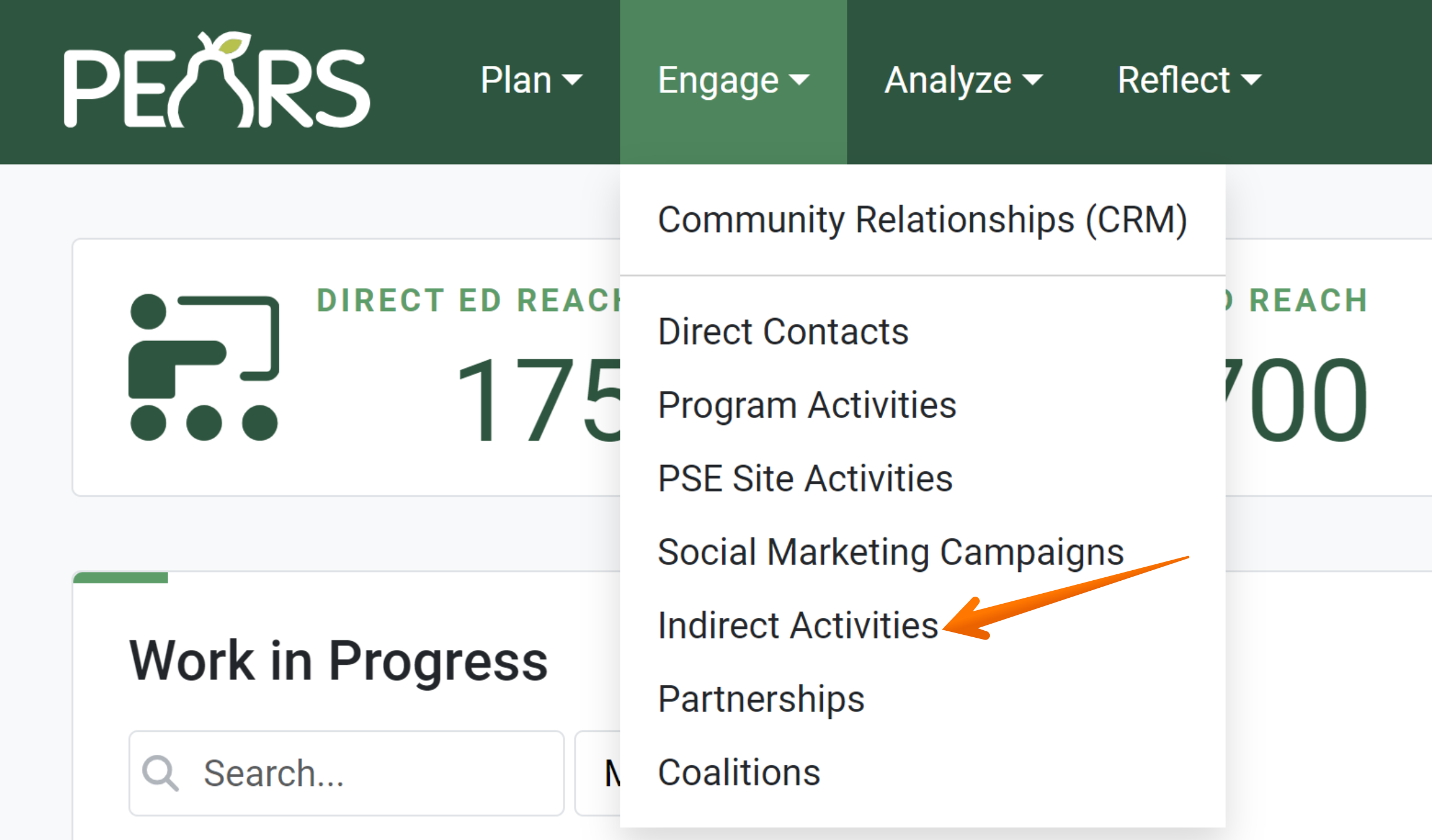
From the PEARS homepage, hover over the Engage menu and click on Indirect Activities:
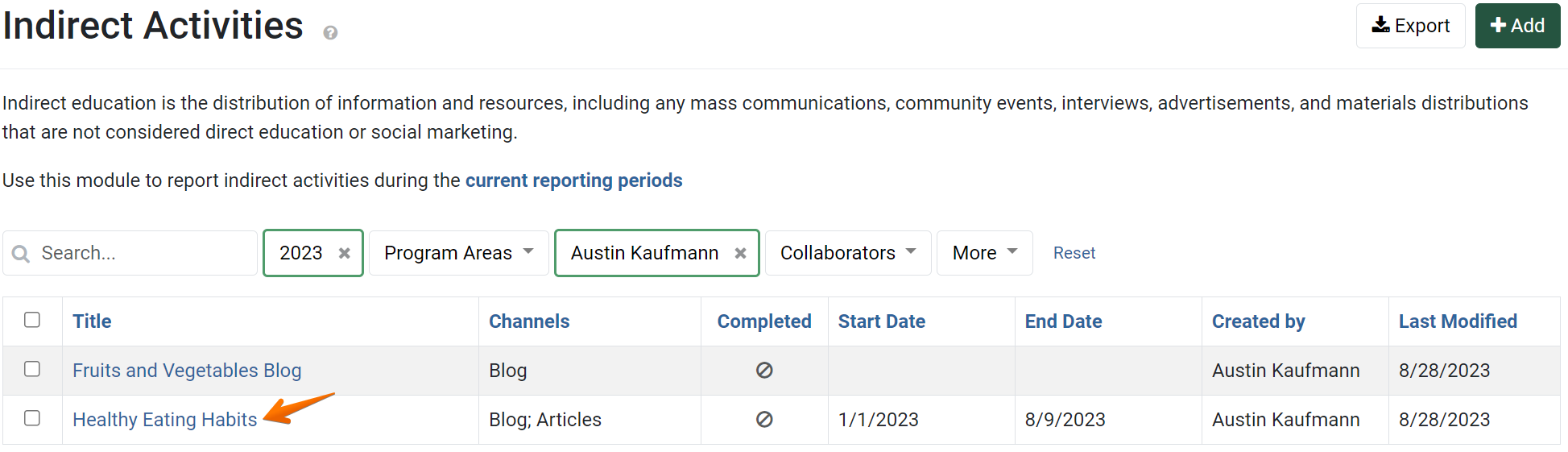
The Indirect Activities list displays. Click the indirect activity that you would like to add intervention channels to:
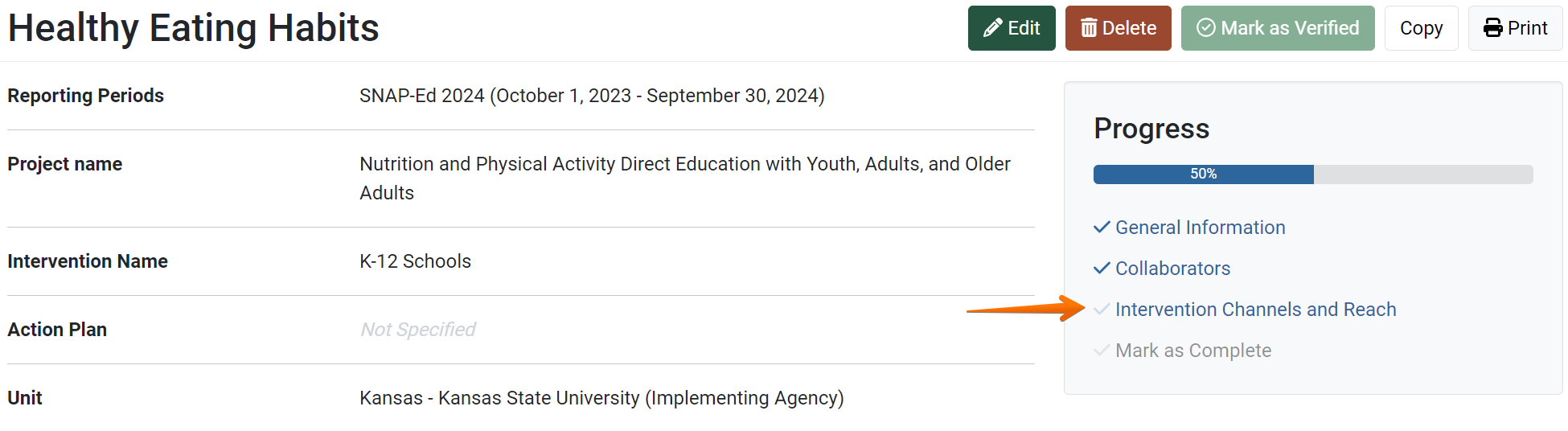
The indirect activity General Information page displays. Click on the Intervention Channels and Reach link:
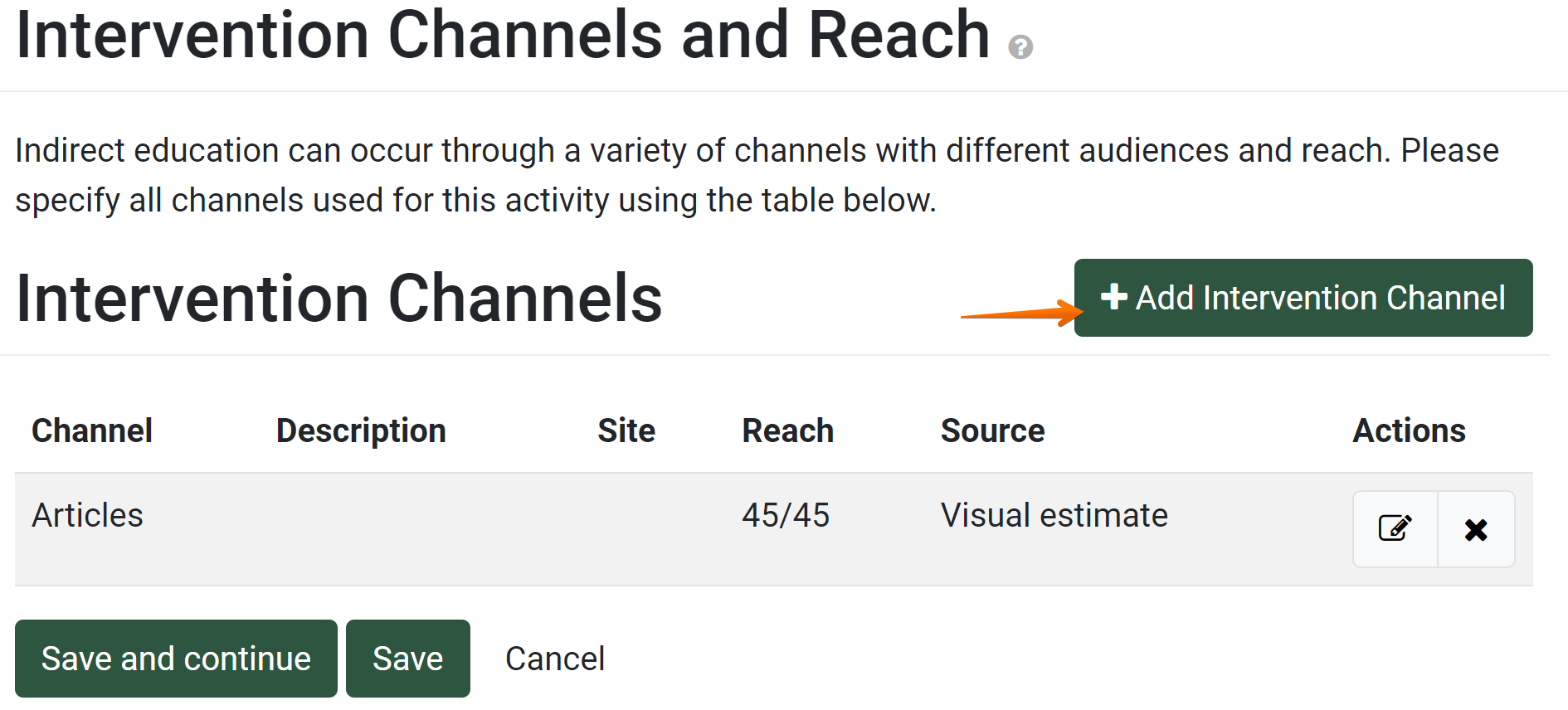
Click the Add Intervention Channel button:
The Add Intervention Channel window displays. Select a option from the Intervention Channel field:

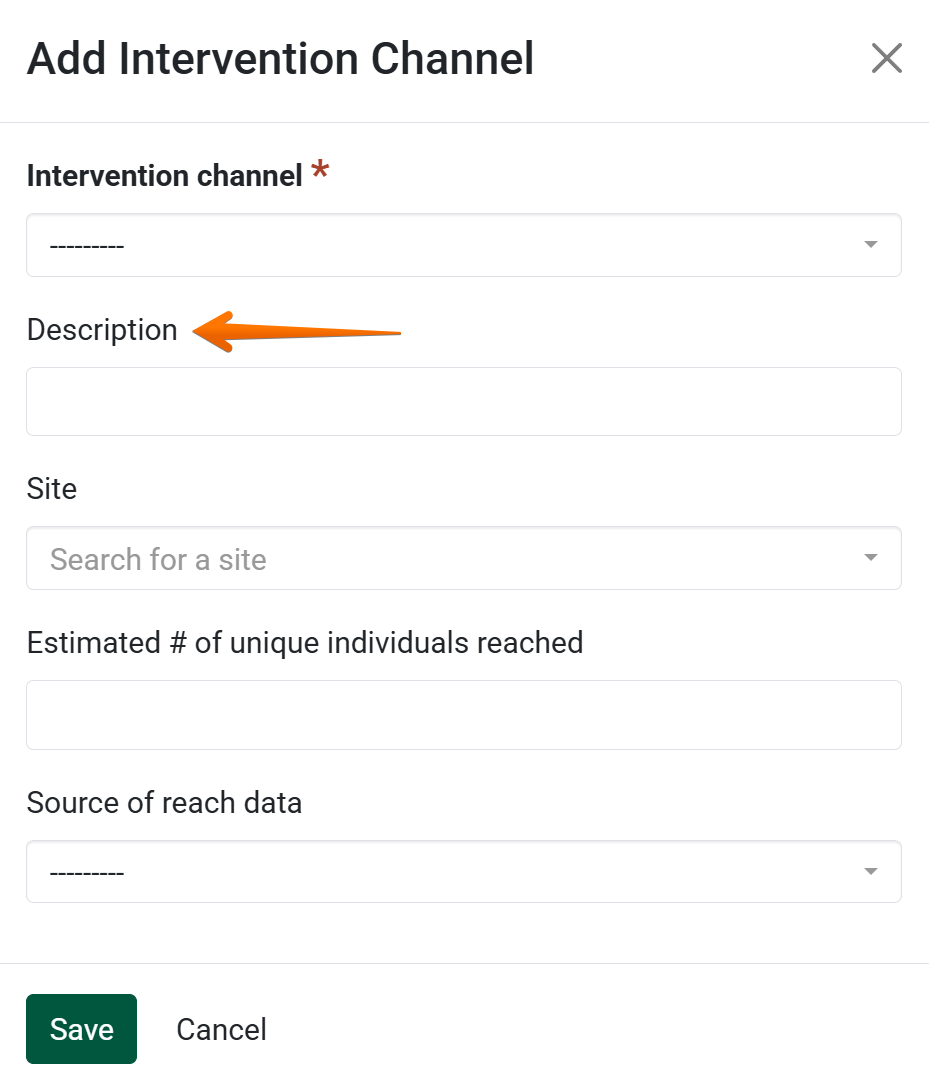
Optionally, add descriptive details about the channel in the Description field:
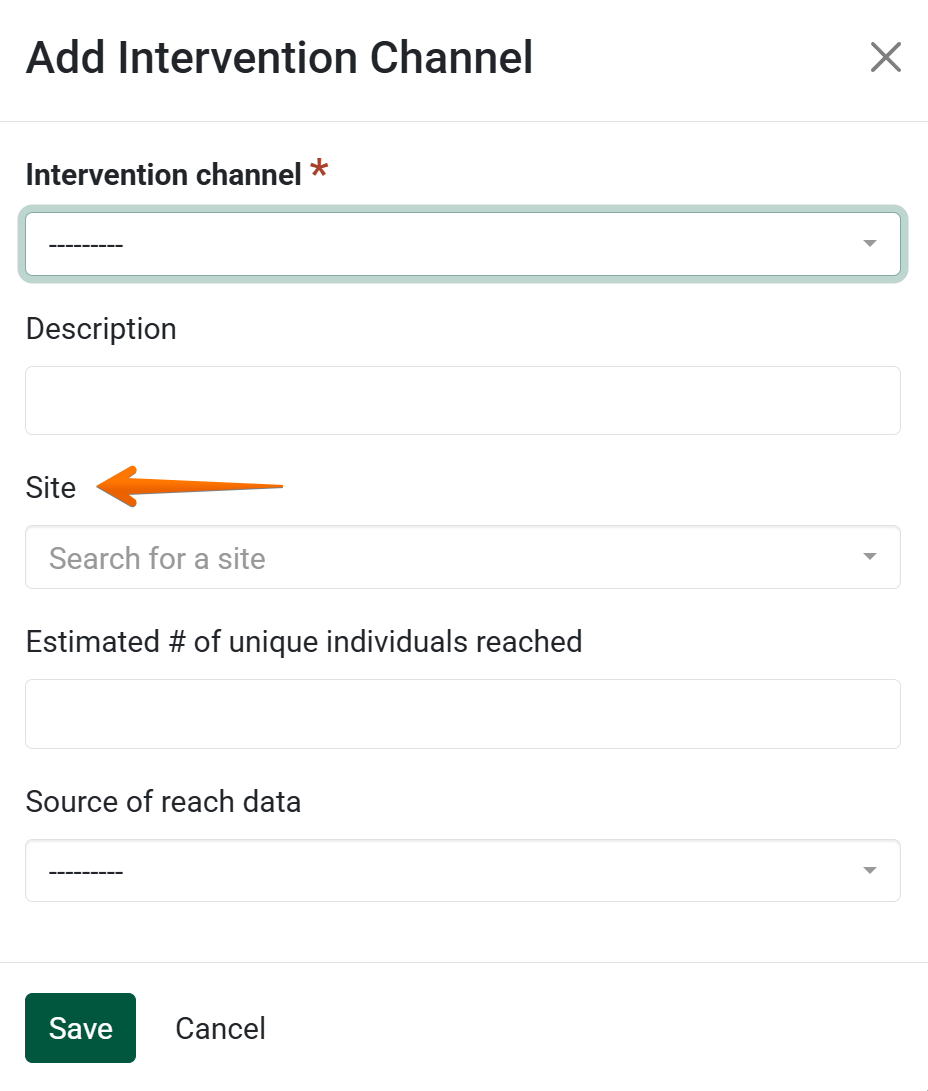
A site may be assigned to the intervention channel:
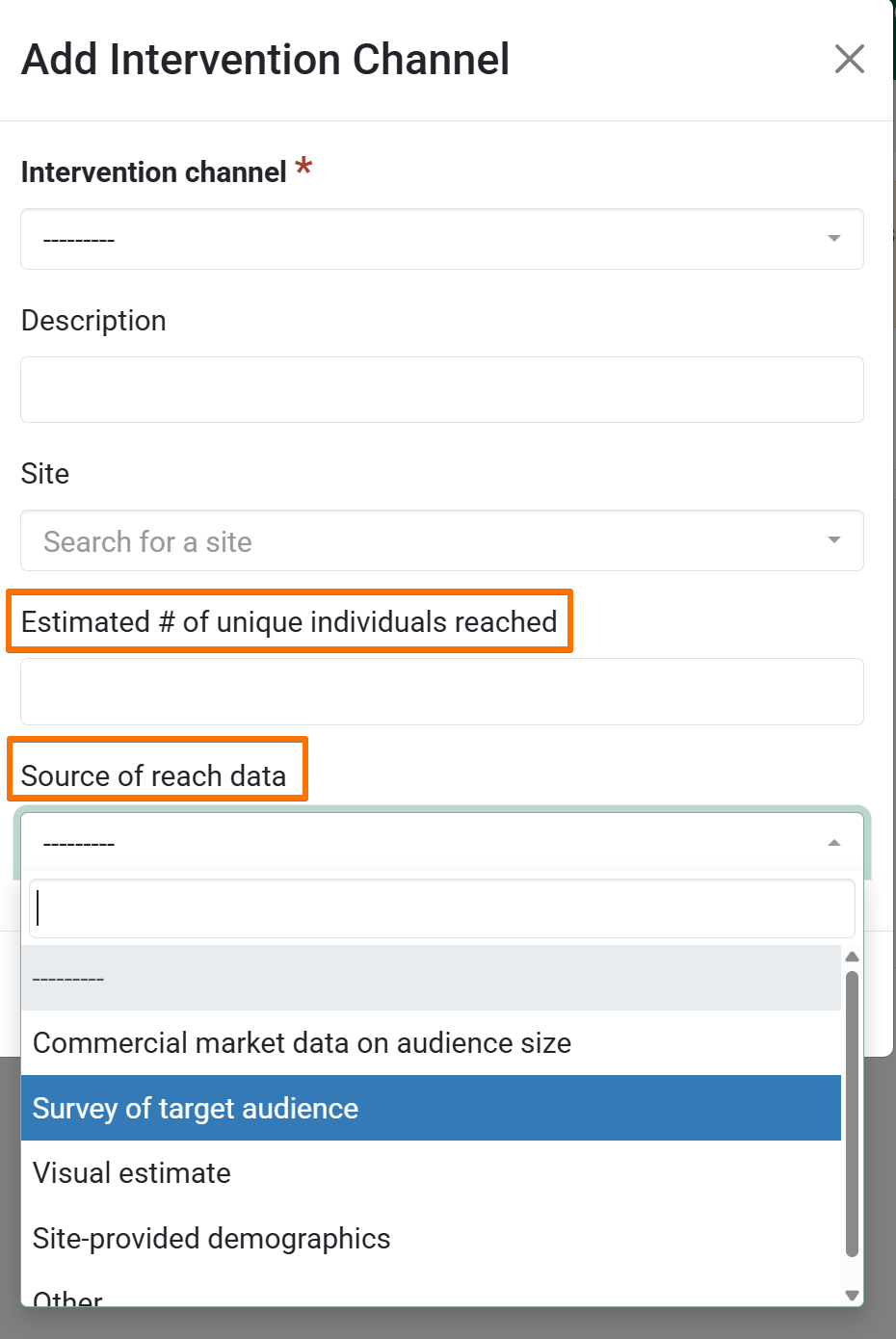
In the next two fields, optionally enter the number of unique individuals reached, and specify source of reach data:
If all the above data is entered, click Save:

When all the intervention channels you would like to associate with this record have been added, click Save and Continue to move on to next section, or Save to go back to the overview page for the Indirect Activity:

Add Intervention Channels and Reach to an Indirect Activity
by Madalyn