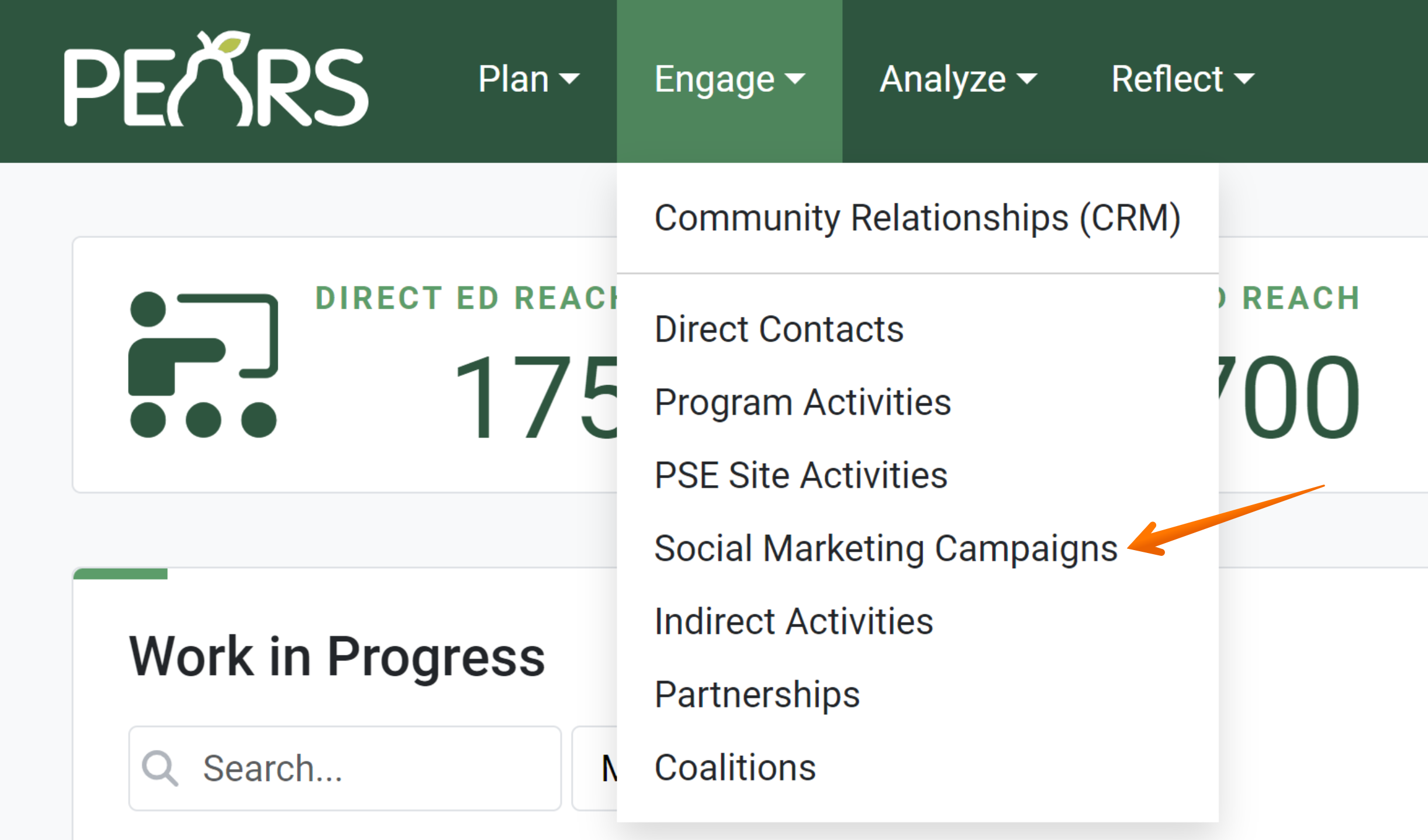
- From the PEARS homepage, hover over the Engage menu and click on Social Marketing Campaigns.
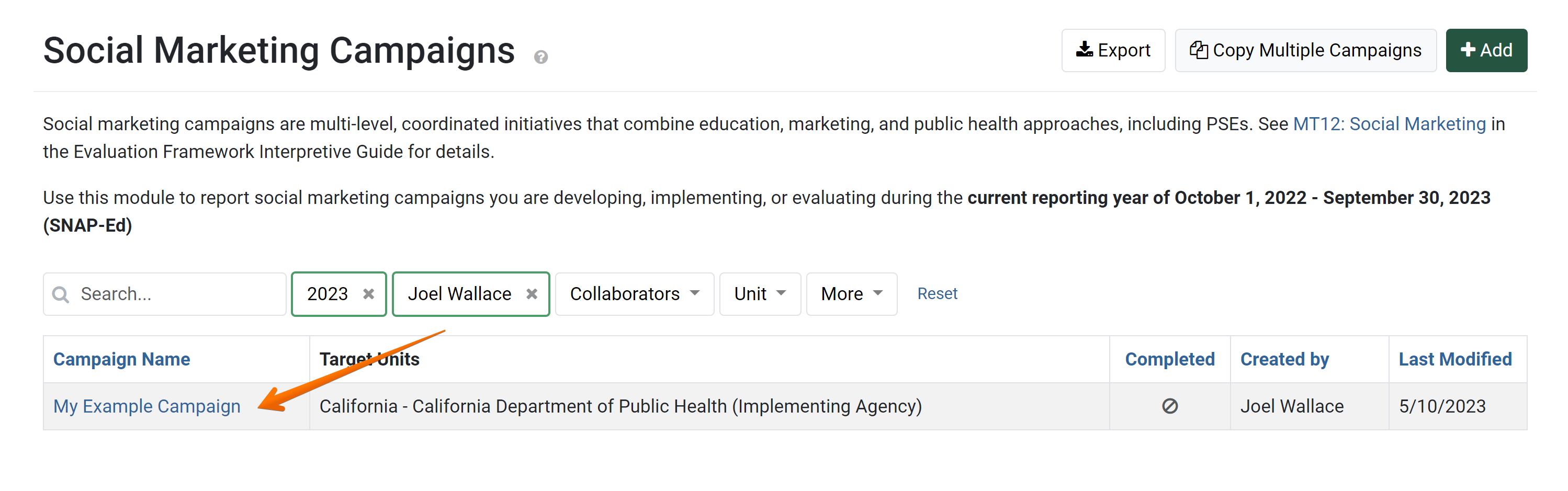
The Social Marketing Campaigns list displays.
- Select the Name of the campaign being evaluated.
 The Social Marketing Campaign detail view displays.
 - Click the Evaluations link within the progress pane.

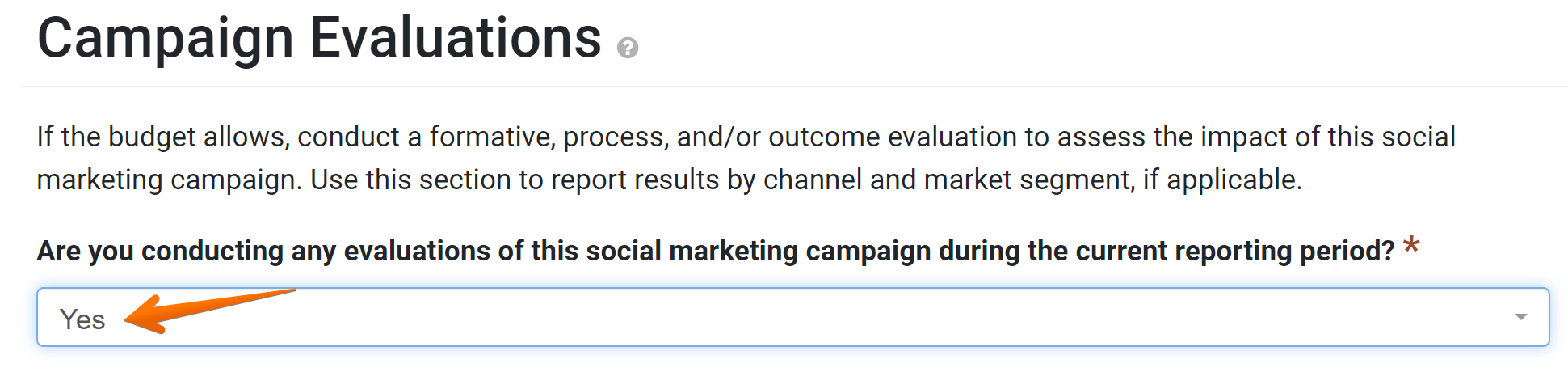
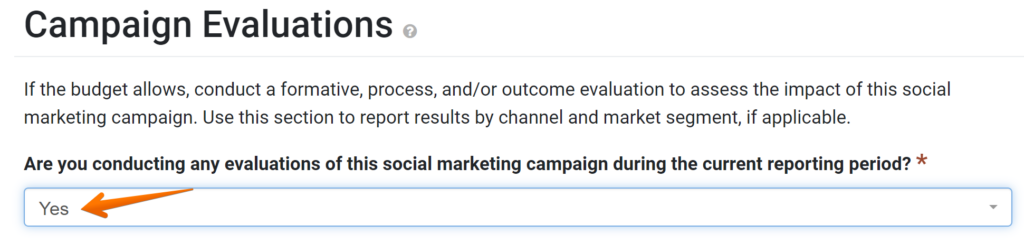
The Social Marketing Campaign Evaluations page displays.
- From the drop-down menu, select whether or not evaluations are being conducted during the current reporting period.
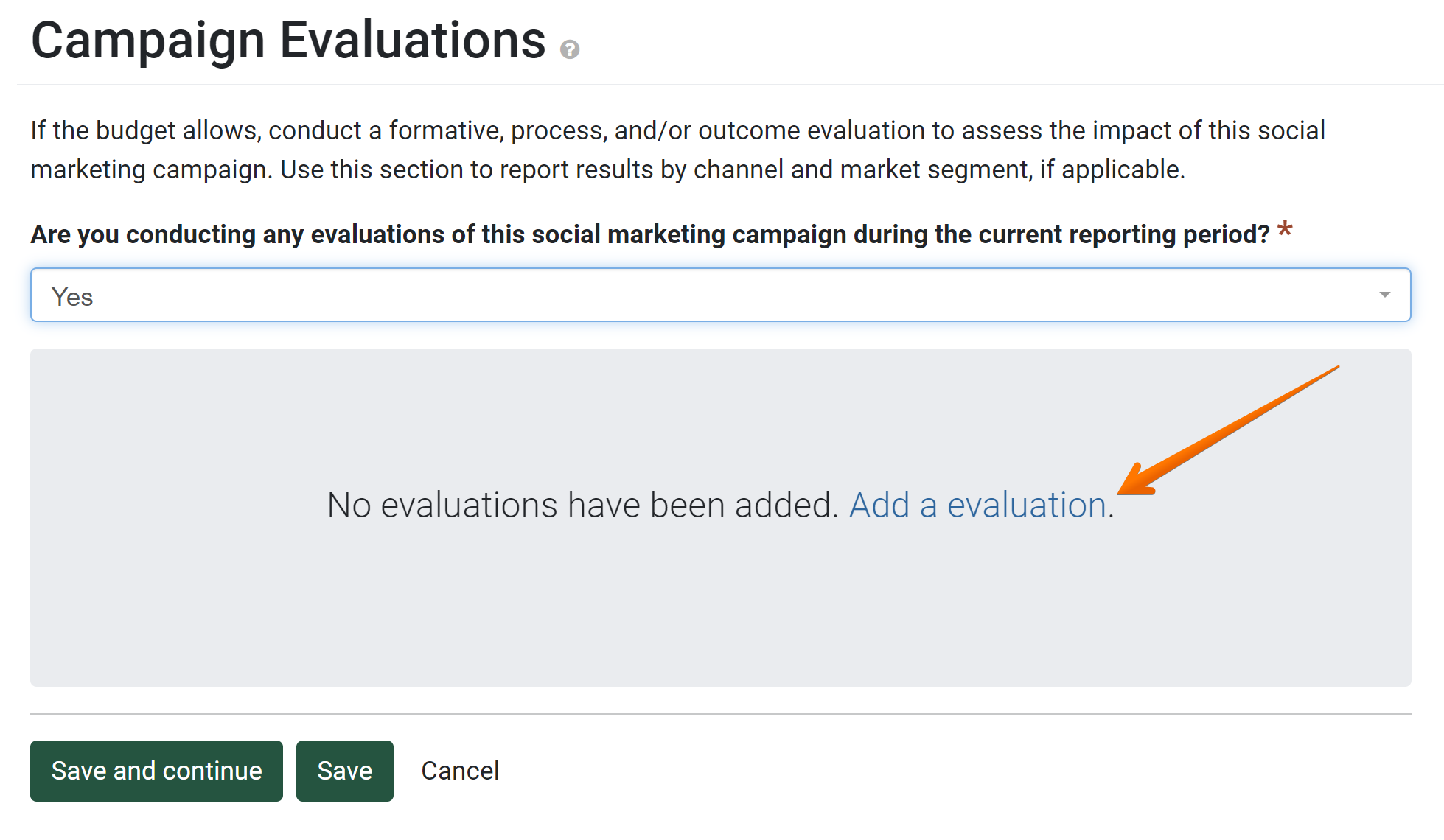
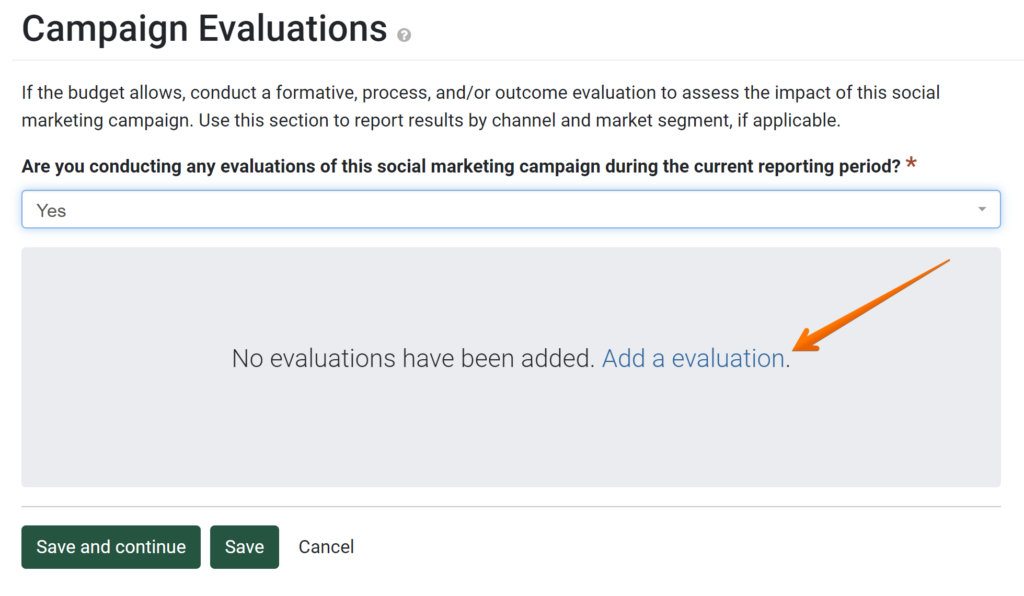
- Click the link to Add an Evaluation.
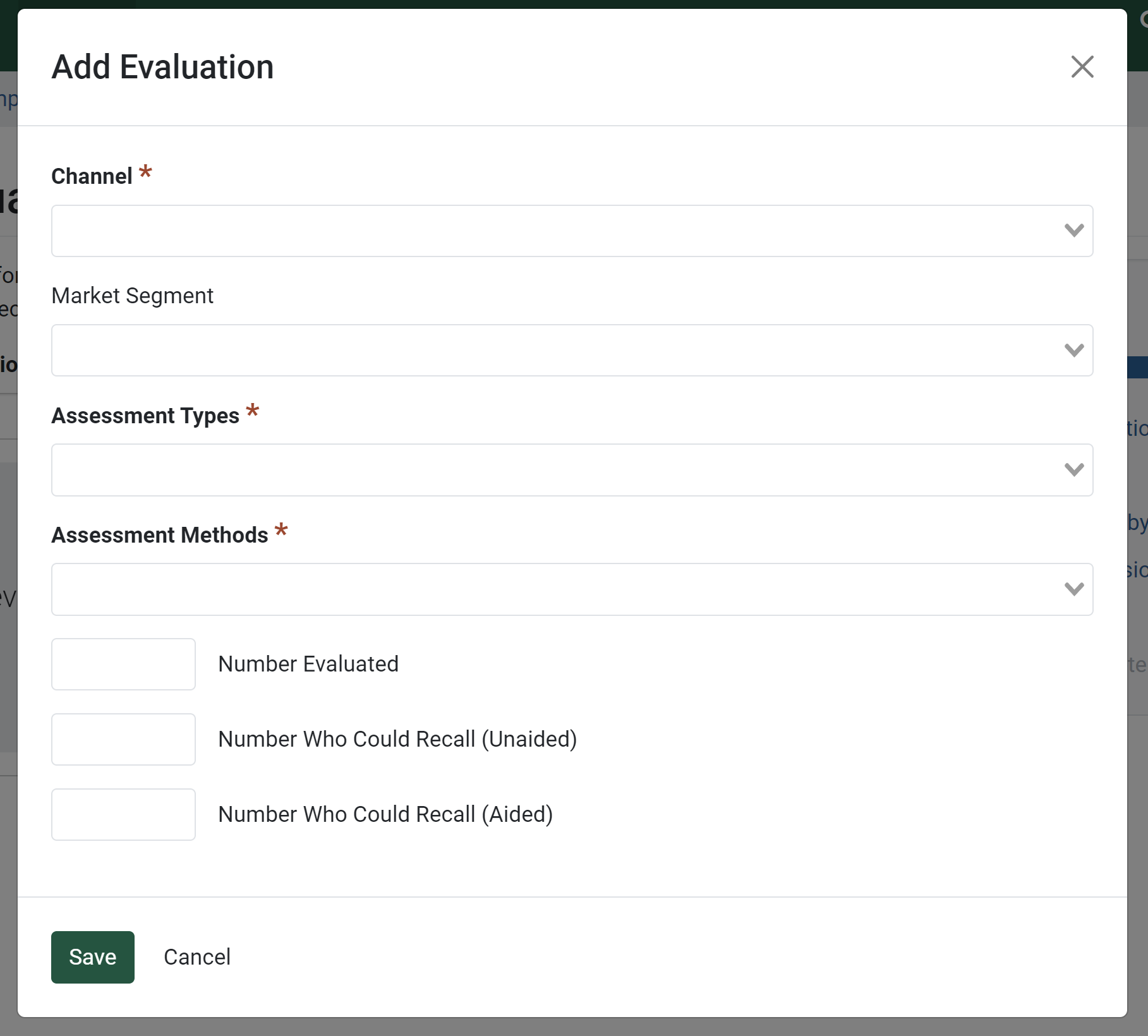
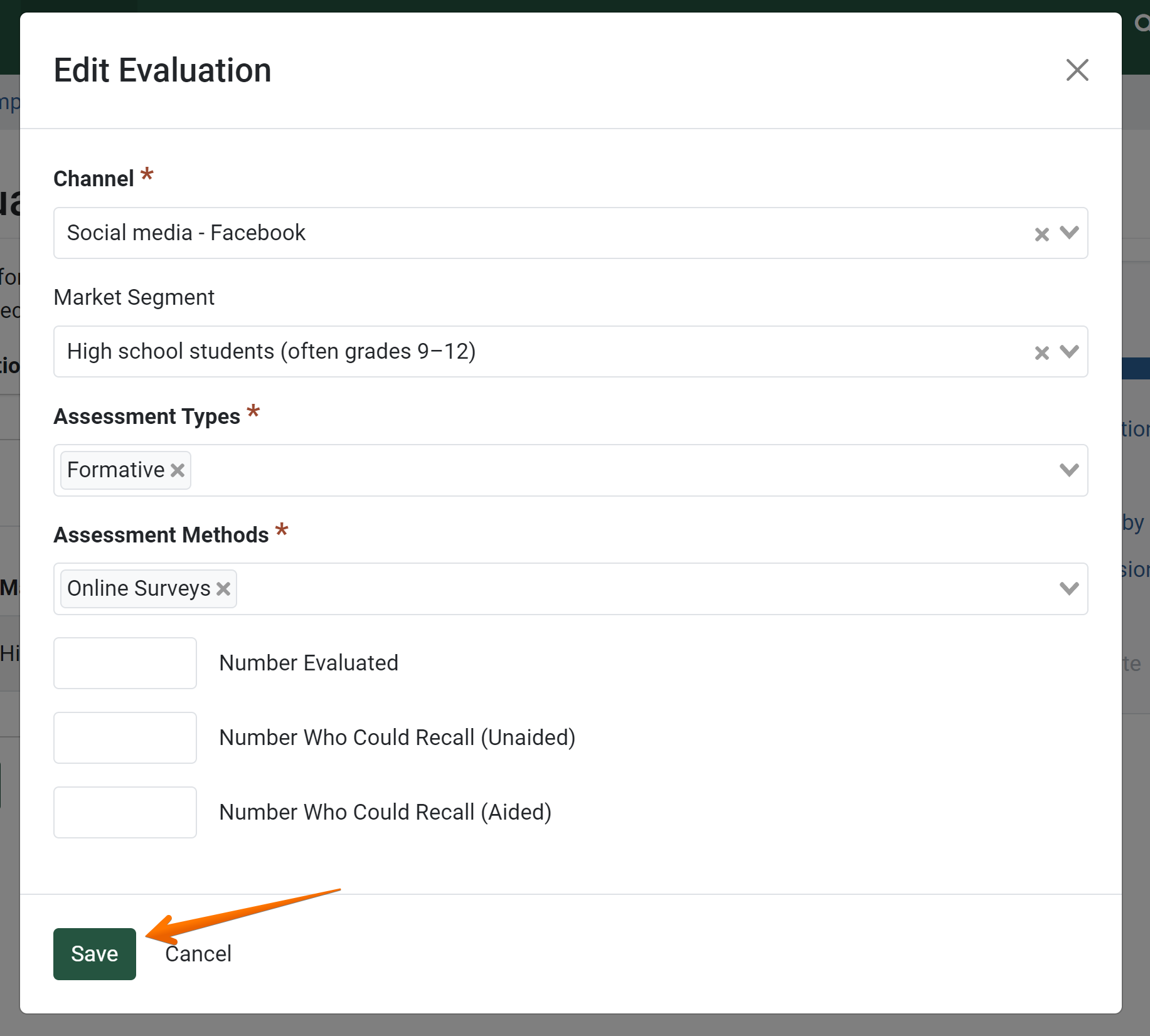
The Evaluation popup displays.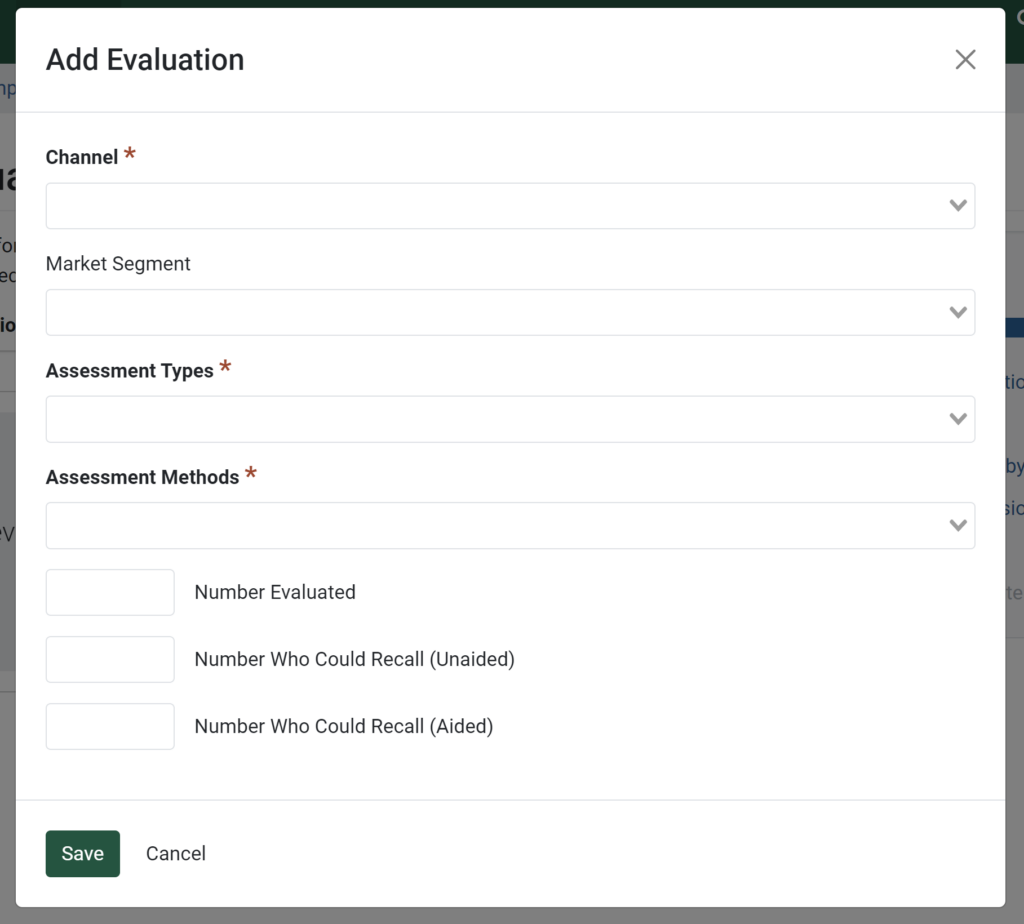
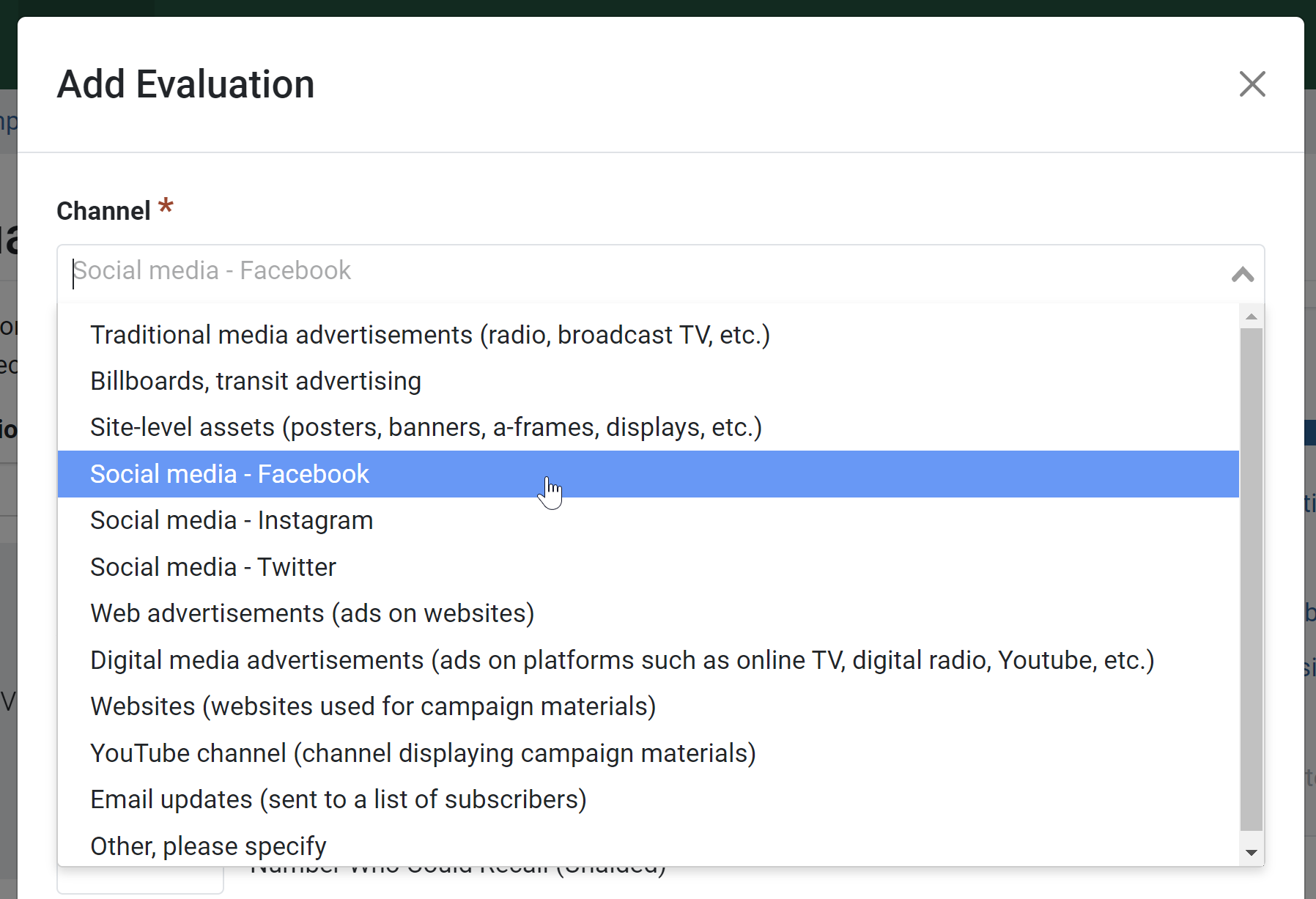
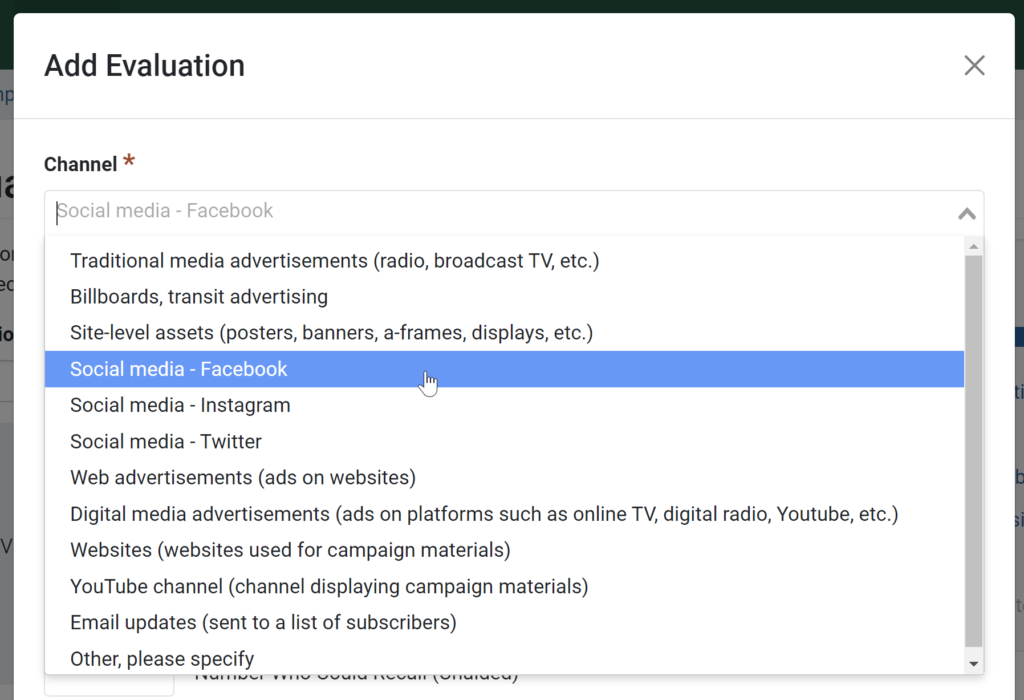
- Select a Channel from the dropdown.
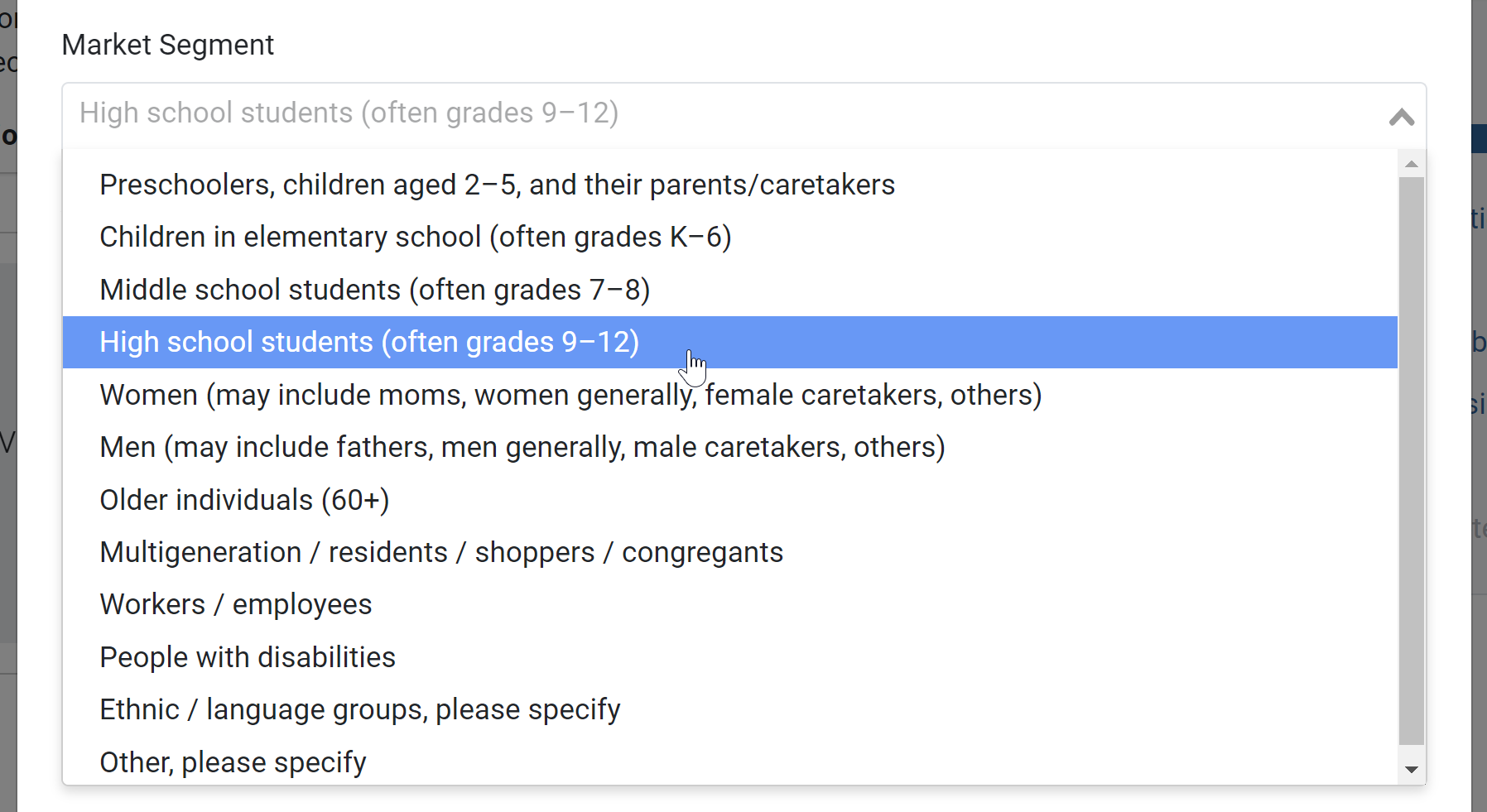
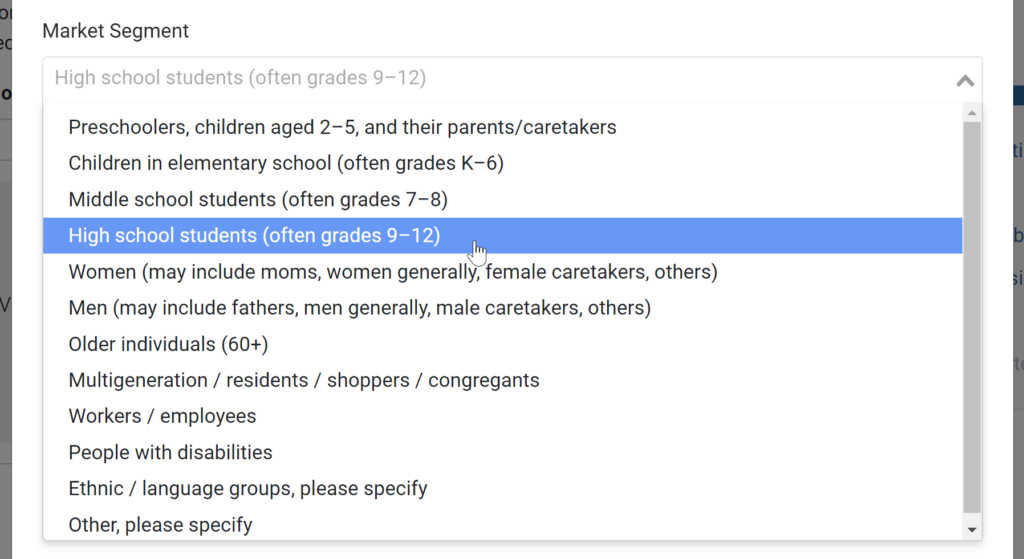
- Optionally, select a Market Segment from the dropdown.
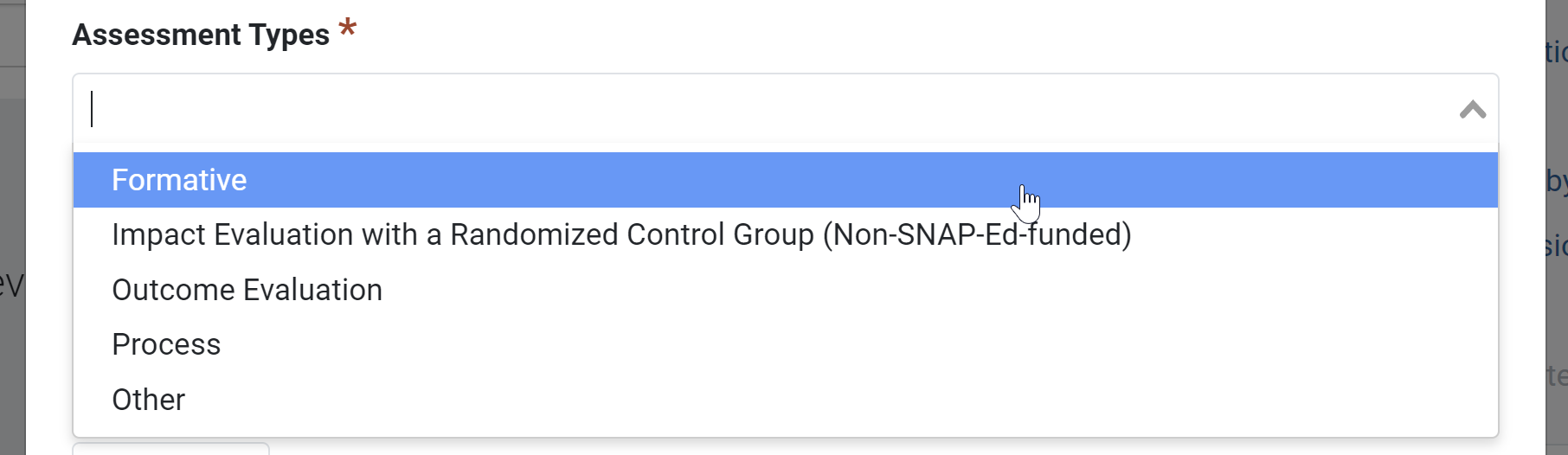
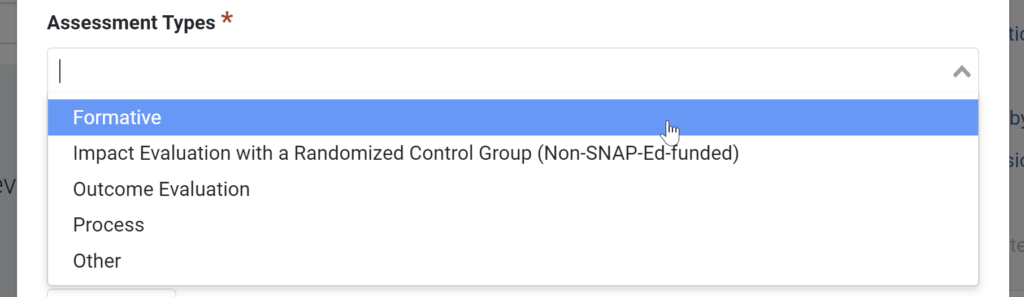
- Select one or more Assessment Types from the dropdown.
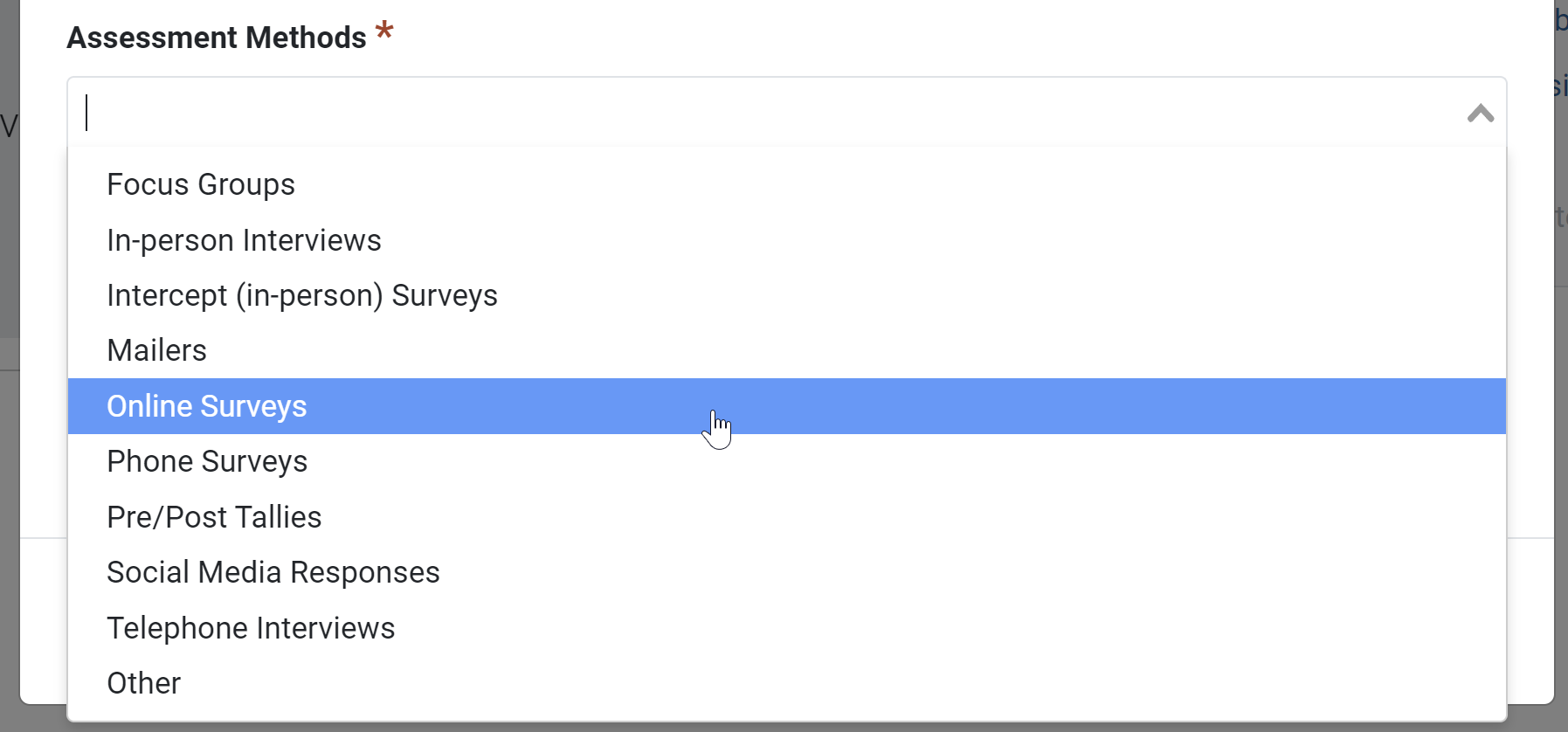
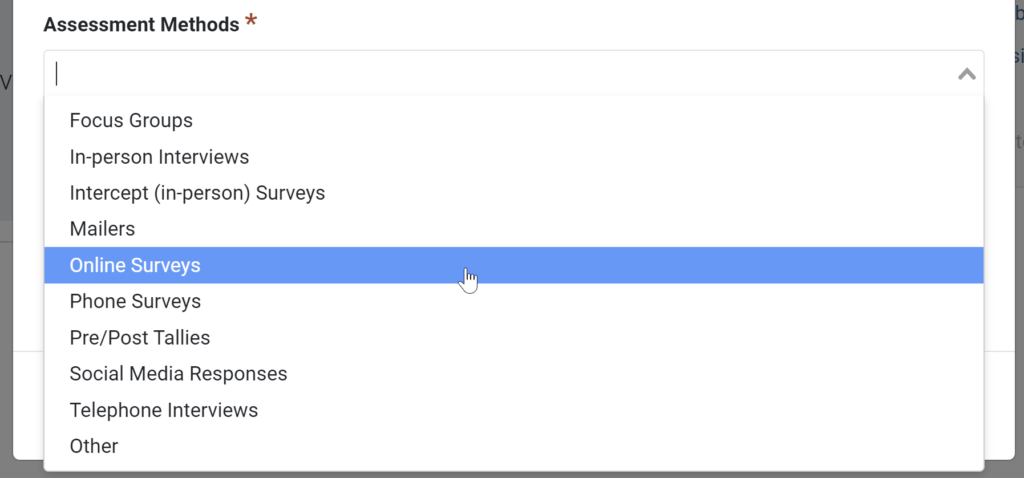
- Select one or more Assessment Methods from the dropdown.
- Optionally, enter the Number Evaluated.
- Optionally, enter the Number Who Could Recall (Unaided).

- Optionally, enter the Number Who Could Recall (Aided).

- Click the Save button.
- If you have additional evaluations to add, click the Add Evaluation button and repeat steps 6-13.
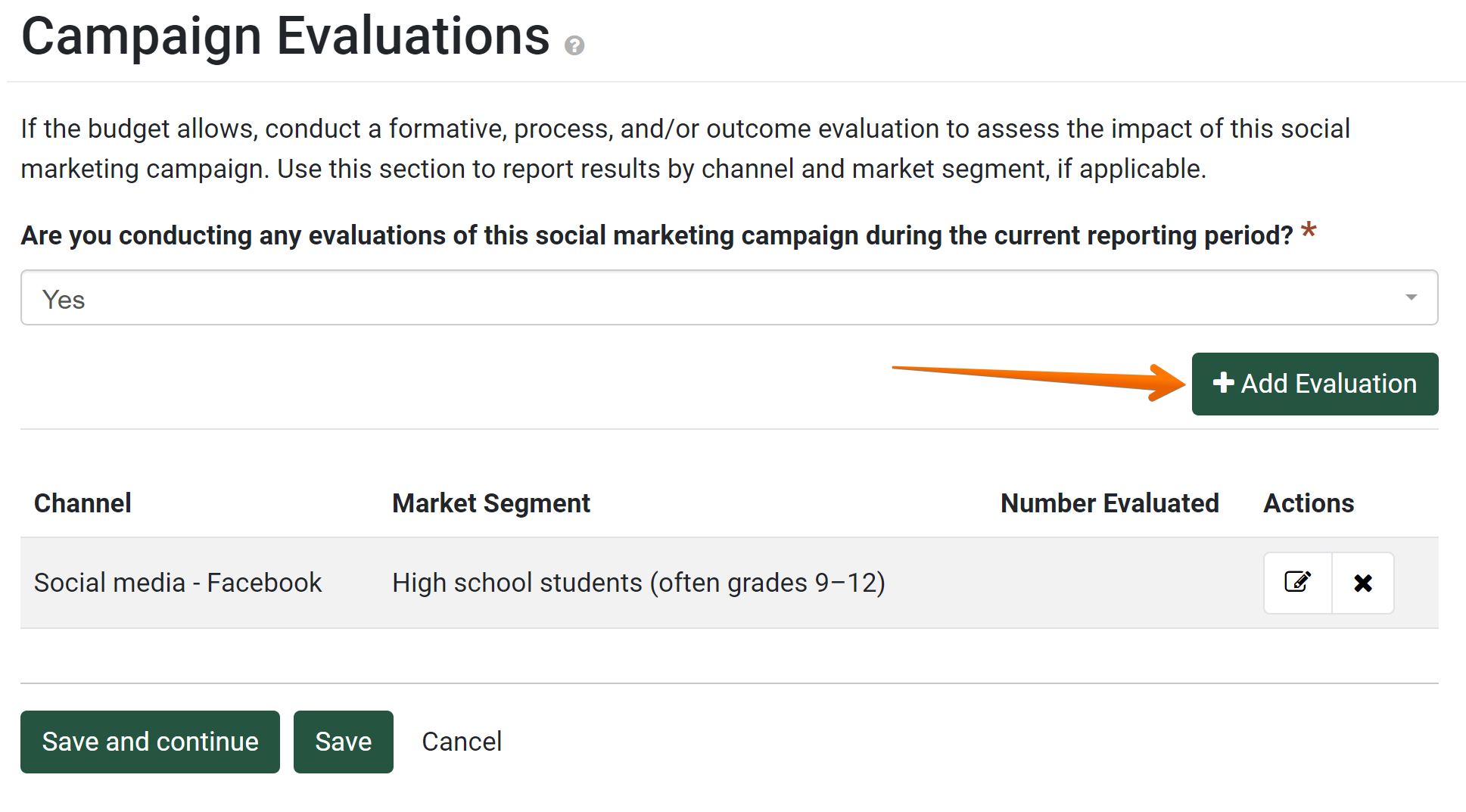
- Once you have all the evaluations added, click the Save and Continue button.

Evaluate a Social Marketing Campaign
by Canopy Team